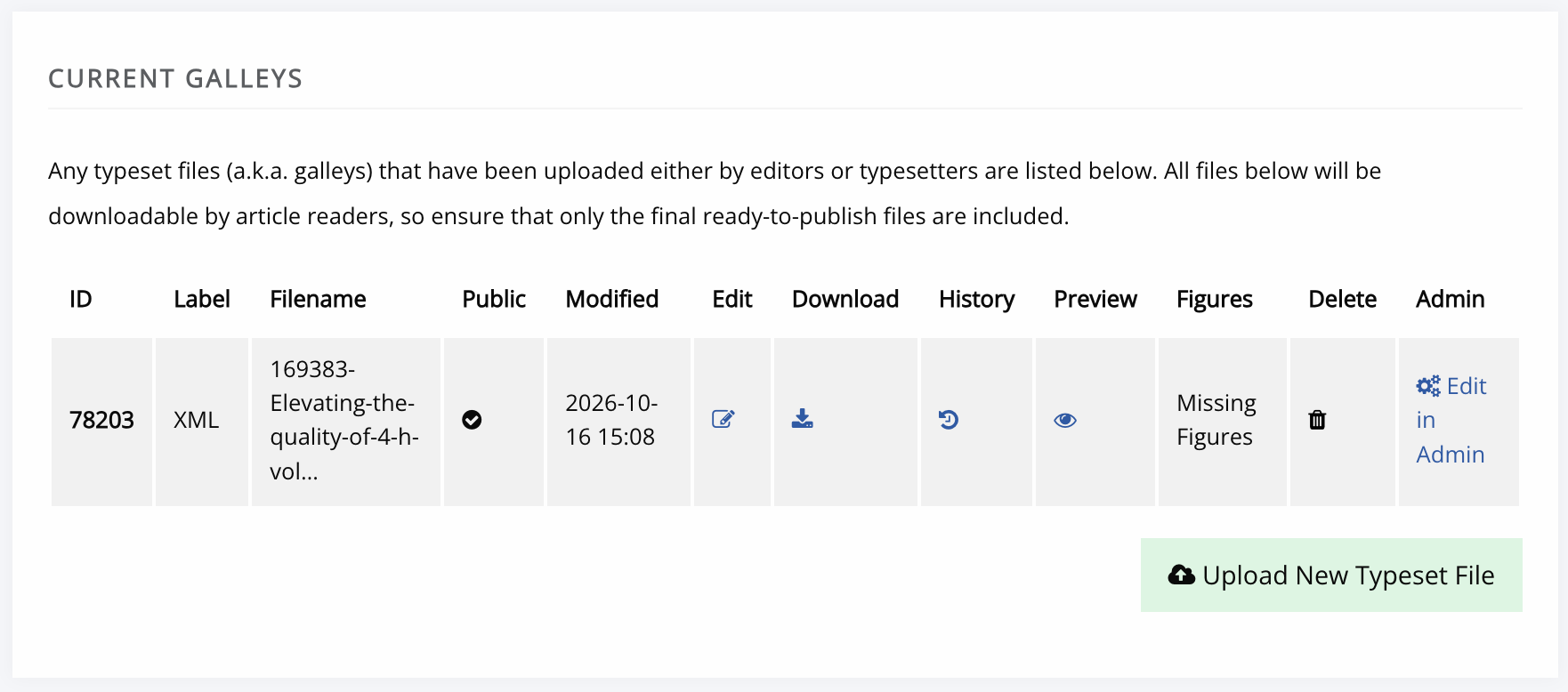
If you have prepared an XML version of your article (such as JATS XML), eScholarship can display the article in HTML.
- Upload your XML file to the Current Galleys section of the Typesetting workflow stage.
- If your article includes images, Select the Edit icon.
- On the Edit Typset File page, scroll to the Image Files section
- Janeway will identify any image files referenced in the XML article. Select and upload the appropriate file for each placeholder.
- Use the Back button at the top of the page to return to the Typesetting stage.
- Select Complete Typesetting.